Browser version
Chrome 90 and above or Safari 14 and above cover the vast majority of active phones. Check your browser version in its settings menu if pages load slowly.
The kotk app experience is built around your mobile browser — no waiting, no large downloads required. Open the site on any modern smartphone and the full lobby loads directly, from cricket betting lines to live casino tables, wherever you are in Bangladesh.

Most smartphones sold in Bangladesh in recent years handle the kotk mobile lobby without issues. Here is what to verify before you start a session.
Chrome 90 and above or Safari 14 and above cover the vast majority of active phones. Check your browser version in its settings menu if pages load slowly.
The lobby is optimised for portrait mode on screens 5 inches and larger. Landscape mode works for live tables but portrait gives the cleaner betslip view.
You need a verified kotk account to access any real-money section. Registration and identity verification are done entirely through the mobile browser — no desktop required.
Live casino streams from Evolution require a stable connection. A 4G signal or a solid Wi-Fi link keeps Dragon Tiger and Live Baccarat running without interruption.
Access to kotk depends on your local law and eligible region. Open the site to see whether the full lobby is available where you are located in Bangladesh.

Getting into the kotk mobile lobby does not require an app store visit. Open your preferred mobile browser — Chrome on Android or Safari on iOS both work well — and navigate to kotk. The site detects your screen size and switches to the mobile layout automatically. From there, sign in with your account credentials or use fingerprint login if you have
it set up. To keep access quick on return visits, add the site to your home screen using your browser's 'Add to Home Screen' option: it behaves like a shortcut icon without requiring a native install. Check that your browser is up to date for the smoothest experience.
The kotk mobile interface packs in several features that make your sessions faster and more comfortable, whether you are browsing slots during a break or watching a live cricket match unfold on the betslip.
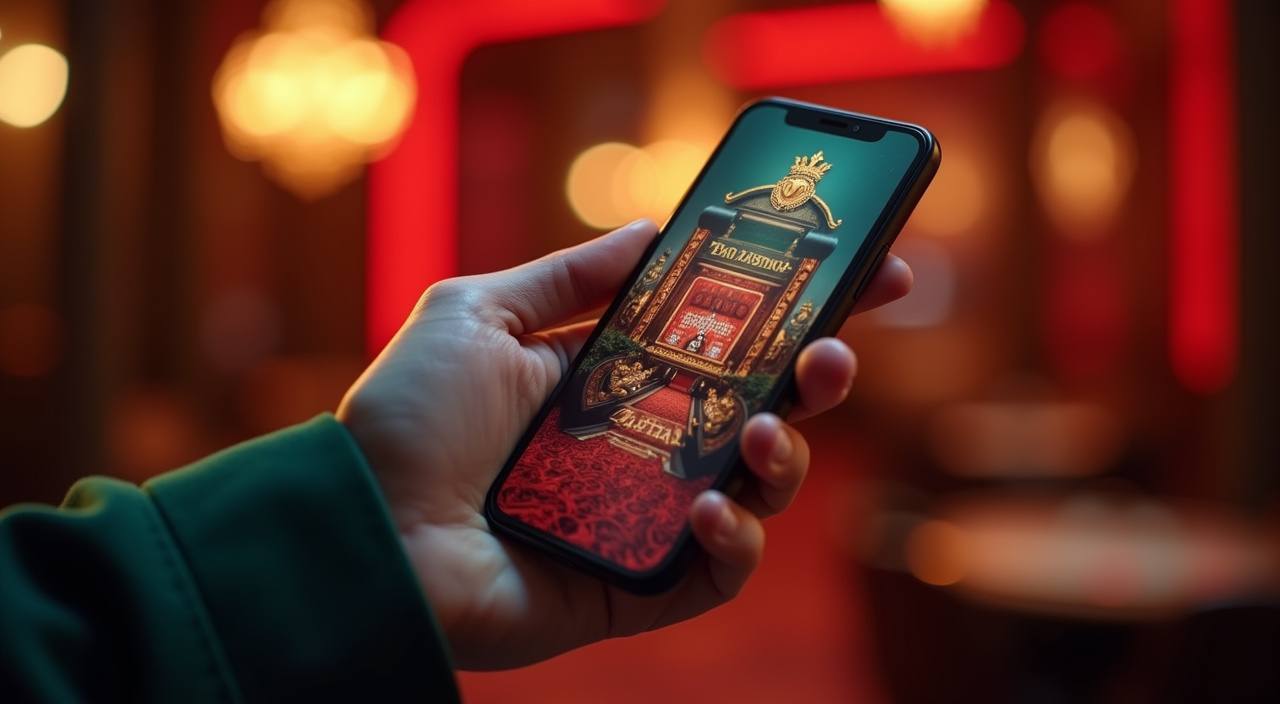
When you open kotk on your phone, the interface adjusts to your screen without any extra setup. The sportsbook puts cricket and football markets right at the top — BPL fixtures, international matches, live in-play odds. Swipe across to the live casino section and Evolution-powered tables like Dragon Tiger and Live Baccarat load without lag. Slots from Pragmatic Play, including Gates of
Olympus and Sweet Bonanza, are one tap away. Push notifications alert you when a match you follow goes live, and the quick-deposit shortcut keeps your wallet topped up between sessions. Fingerprint login means you skip the password every time.
These are the questions we hear most from Bangladesh members when they first set up mobile access to kotk.
Service availability depends on eligible regions and local law. Users should check local rules before opening an account.
Access may be available only where local law permits.